
Packaging guides
Short, practical guides to the concepts behind a good dieline, with the steps to apply them in DielineDock.
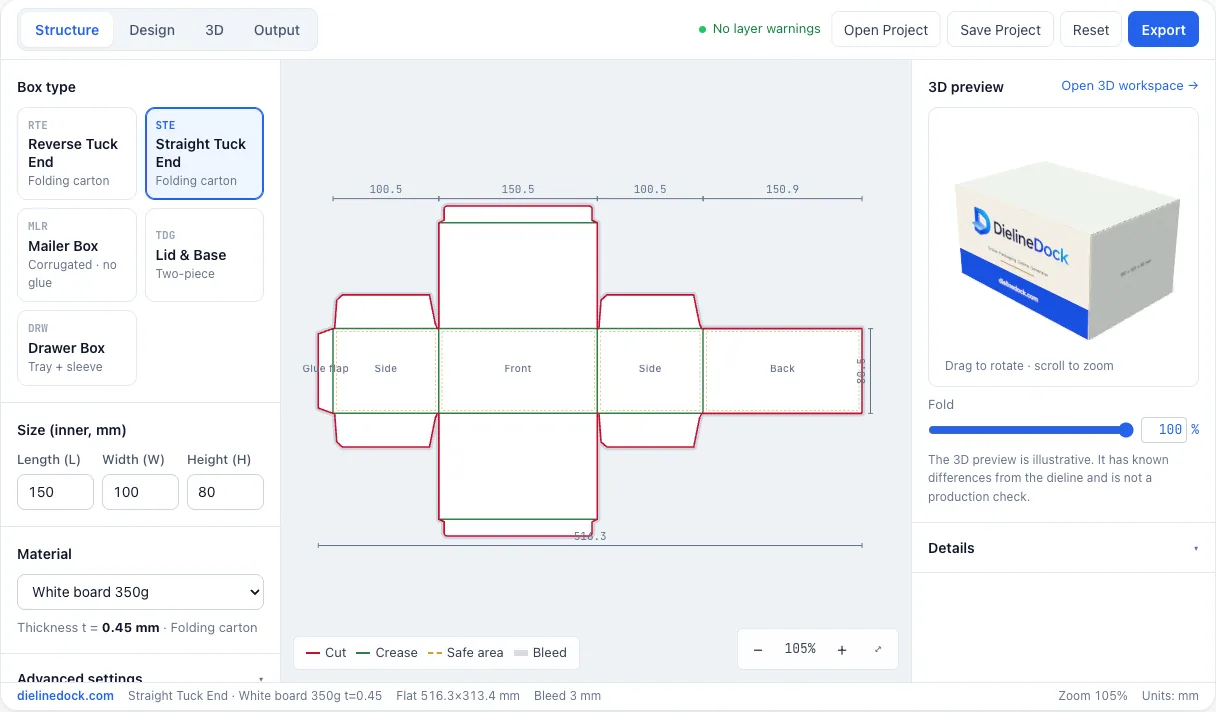
What is a dieline? A plain guide to cut lines, creases and flaps
A dieline is the flat drawing of a box before it is folded. It shows where the board is cut, where it folds and how every panel connects. This guide explains the parts of a dieline in plain terms and shows how DielineDock draws one for each of its five box styles.
How to measure box dimensions for a custom dieline
Most box size problems start with a measurement taken the wrong way. This guide explains inner and outer dimensions, how to read length, width and height, how much clearance to add and why board thickness changes the flat size. DielineDock works in millimetres only.
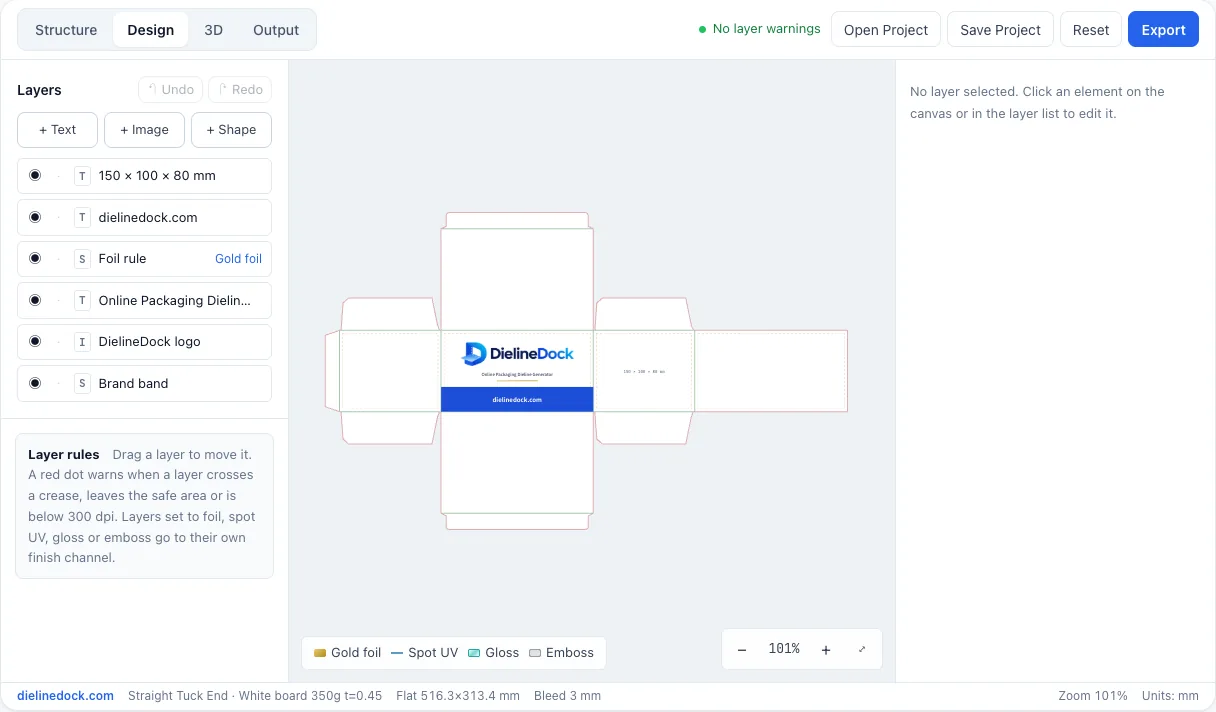
Bleed and safe area: keeping artwork clean on a folded box
Cutting and folding are never perfectly exact, so packaging artwork needs margins in both directions. Bleed extends the design past the cut line, and the safe area keeps important content away from it. This guide explains both, along with creases, and shows how the Design warnings help.
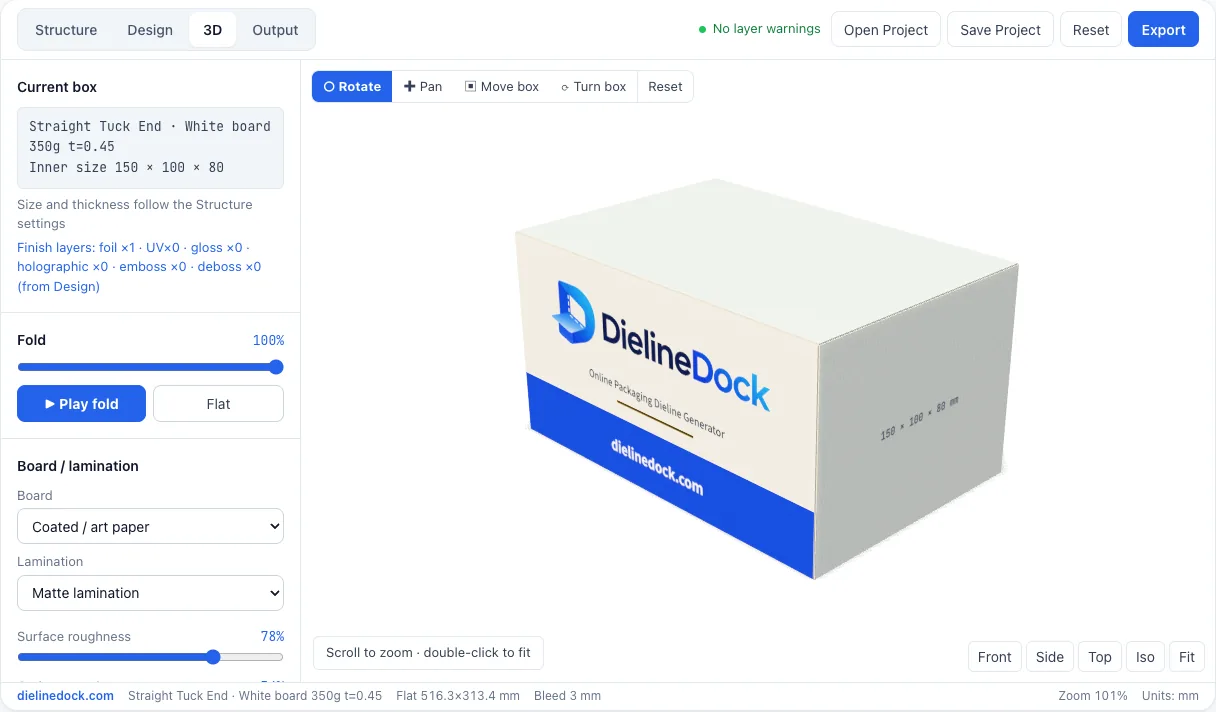
From 2D dieline to 3D preview: how a flat sheet becomes a box
A dieline is easier to understand once you see it fold. DielineDock includes a 3D workspace where you can fold the box, turn it around and try different board and finish looks. This guide explains how folding works, how to use the 3D tools and why the preview is illustrative rather than exact.
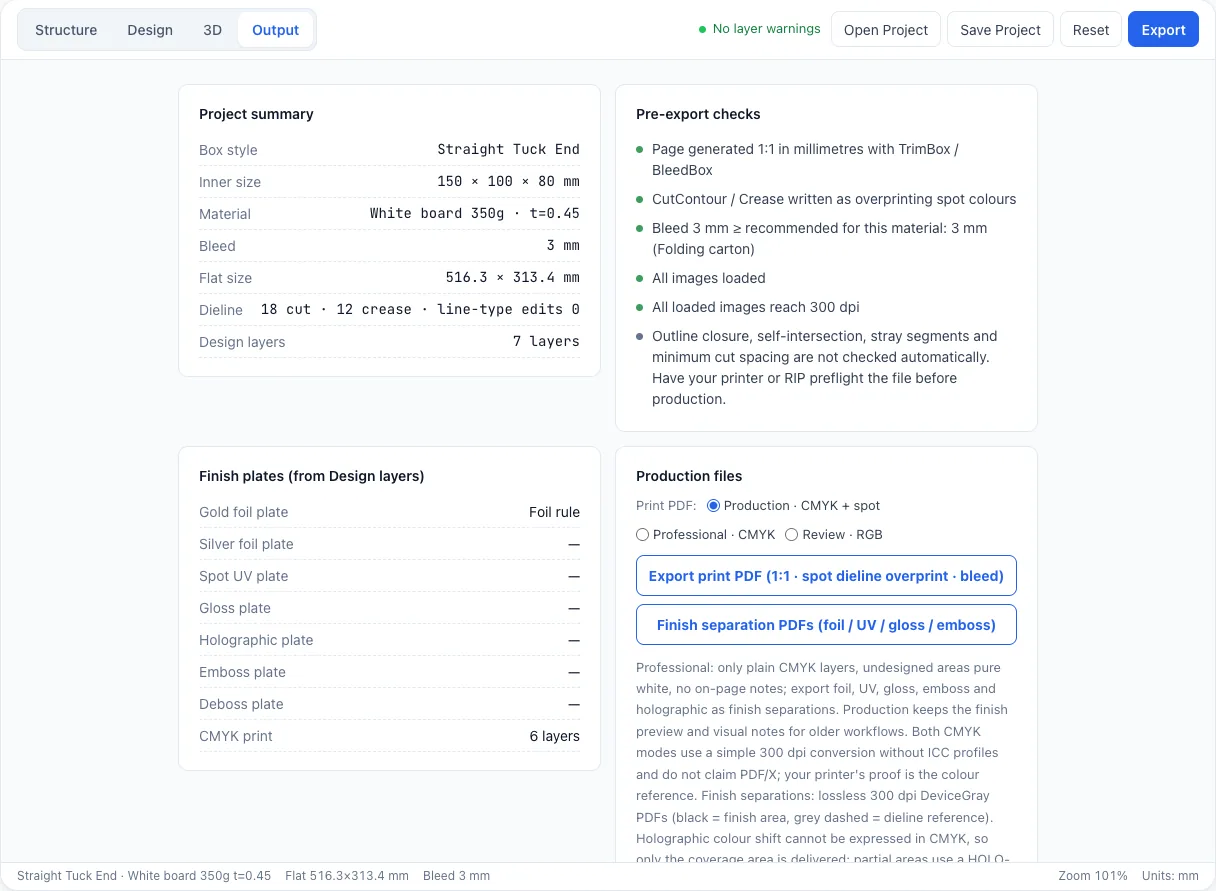
Preparing a packaging dieline for print
Sending a box to print is a conversation with your printer, not a single upload. This guide covers what to check, how cut and crease are marked, which settings matter and what DielineDock does not check for you and which PDF to export from the Output workspace.