
Packaging prototypes: iterate sizes before you commit
Prototyping packaging means trying sizes, styles and layouts quickly, then testing the best idea by hand. DielineDock runs in your browser with no account needed, so you can change a box in seconds. On Starter or Pro, keep each version as a project file.
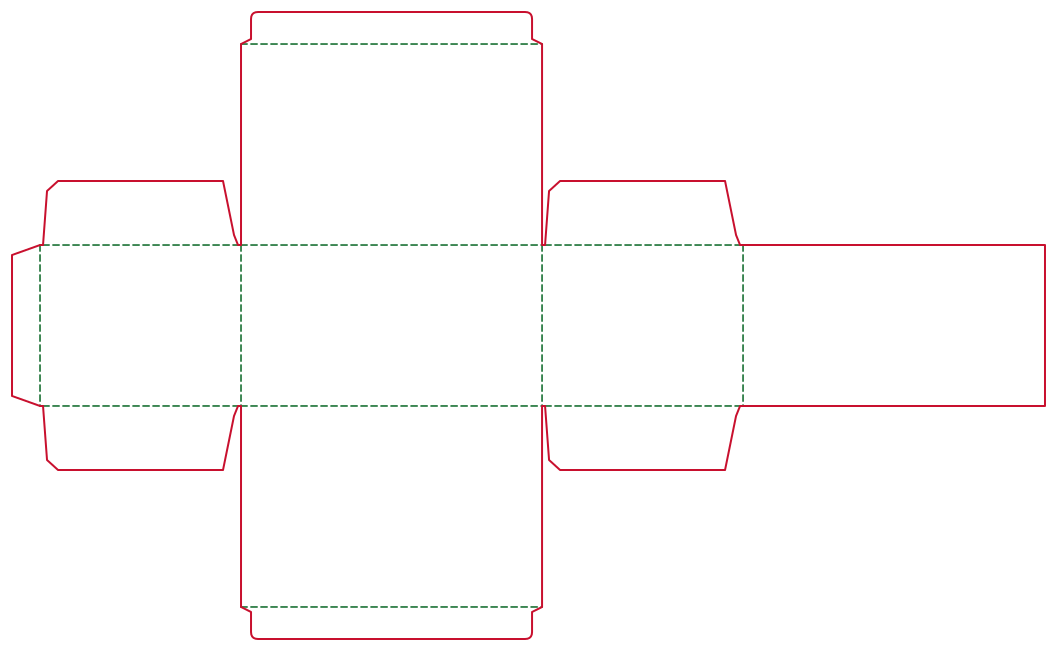
Who uses it
Product designers, makers, hardware teams and students who need a box for a new product and want to test ideas before talking to a printer.
The packaging problems they face
Early products change. A new part or insert can add a few millimetres, and a hand-drawn box has to be redone each time. Prototypes also need to be shown to others, which is hard with a flat sketch.
Recommended box styles
- Straight Tuck End: a quick, simple carton for testing fit.
- Reverse Tuck End: for comparing lid opening directions.
- Mailer Box: for products that will ship directly.
- Lid & Base: for presentation prototypes.
- Drawer Box: for a sliding reveal.
How to set dimensions
Enter inner L, W and H in millimetres, then change one value at a time and watch the flat size and panel widths update in the Details panel. Try different materials to see how board thickness affects the panels. On Starter or Pro, save each version as its own .boxproj file, named by size or date.
How to add brand artwork
Add simple placeholder artwork early: a logo, product name and colour blocks. This shows which panel is the front and where text will sit. Later, open the .boxproj again and replace the placeholders with final artwork.
How to check the result in 3D
Use the fold slider and views to check structure and orientation. The 3D model is illustrative and built from nominal sizes, so it helps you choose between ideas but does not replace a physical mock-up.
How to produce files for discussion or samples
Export an RGB Review PDF from the Output workspace after signing in with an email code. Pages are laid out 1:1 in millimetres, so you can print at 100% scale and cut a paper mock-up. Free includes one Review PDF with a preview watermark. You can also share screenshots and use the panel widths and flat size from the Details panel to draw a rough mock-up on card by hand. On Starter and Pro you can save .boxproj files too.
What to confirm with the printer
- Which board and thickness to use for the sample.
- Whether they can make a single prototype or a short sample run.
- Their bleed and dieline file requirements.
- How changes between rounds affect cost and lead time.
Frequently asked questions
Do I need an account to prototype?
No. You can design, preview and open .boxproj projects without an account. An account is needed to export a PDF, and saving .boxproj project files is part of Starter and Pro. Projects are saved to your own device, not to the cloud.
How do I keep track of versions?
On Starter or Pro, save a new .boxproj file for each version and name it clearly. Projects are not stored in the cloud, so keep the files somewhere safe.
Can I print a mock-up today?
Yes. Export an RGB Review PDF, which is laid out 1:1 in millimetres, and print it at 100% scale. Free includes one with a preview watermark. Then ask your printer for a real sample.